Key Takeaways
- Unlock Substantial Savings: Microsoft offers generous grants and discounted Office 365 pricing to help charities reduce IT overheads.
- Verify Your Eligibility: Qualification requires official charity registration, a clear non-profit mission, and strict anti-discrimination policies.
- Follow the Process: Securing grants involves preparing legal documentation and applying directly through the Microsoft Non-Profit Hub.
- Avoid Deployment Pitfalls: Charities frequently struggle with over-licensing, complex data migrations, and critical security misconfigurations during setup.
- Optimise Your Spend: Auditing your current setup prevents budget waste and ensures you pay only for necessary licences.
- Partnering with Fortray (Microsoft Authorised Reseller) ensures seamless M365 migrations, expert security configuration, and proactive ongoing support.
In an era where digital transformation dictates operational success, non-profit organisations face a unique challenge: they must adopt enterprise-grade technology while strictly managing limited budgets. From email hosting to collaboration tools, everything adds up. The Forbes Technology Council report highlights that over 84% of organisations now place IT cost control at the very top of their agenda.
That’s where Microsoft Office 365 pricing becomes a game-changer! With dedicated non-profit programmes, Microsoft offers free licences, discounted subscriptions, and cloud credits — but accessing them isn’t always straightforward.
In this guide, we’ll break down how Microsoft 365 pricing works, how non-profits can qualify, and how to optimise costs with Fortray (London-based MSP) M365 Services!
Why Should Non-Profits Choose Microsoft 365?
Before diving into the pricing structures, it is essential to understand why Microsoft 365 is the gold standard for the third sector. Non-profits handle highly sensitive information, from donor payment details to confidential beneficiary data. They also rely heavily on collaboration between full-time staff, part-time workers, and remote volunteers.
Microsoft 365 solves these challenges by providing:
- Seamless Collaboration: Tools like Microsoft Teams and SharePoint enable volunteers and staff to co-author documents, host video meetings, and communicate in real time, regardless of location.
- Enterprise-Grade Security: With built-in anti-malware, spam filtering, and device management, your organisation’s data remains compliant with strict data protection regulations.
- Scalability: Whether you are onboarding a temporary cohort of volunteers for a summer fundraising event or scaling your permanent team, Microsoft 365 adapts instantly to your headcount.
Why Microsoft 365 Pricing Matters for Non-Profits?
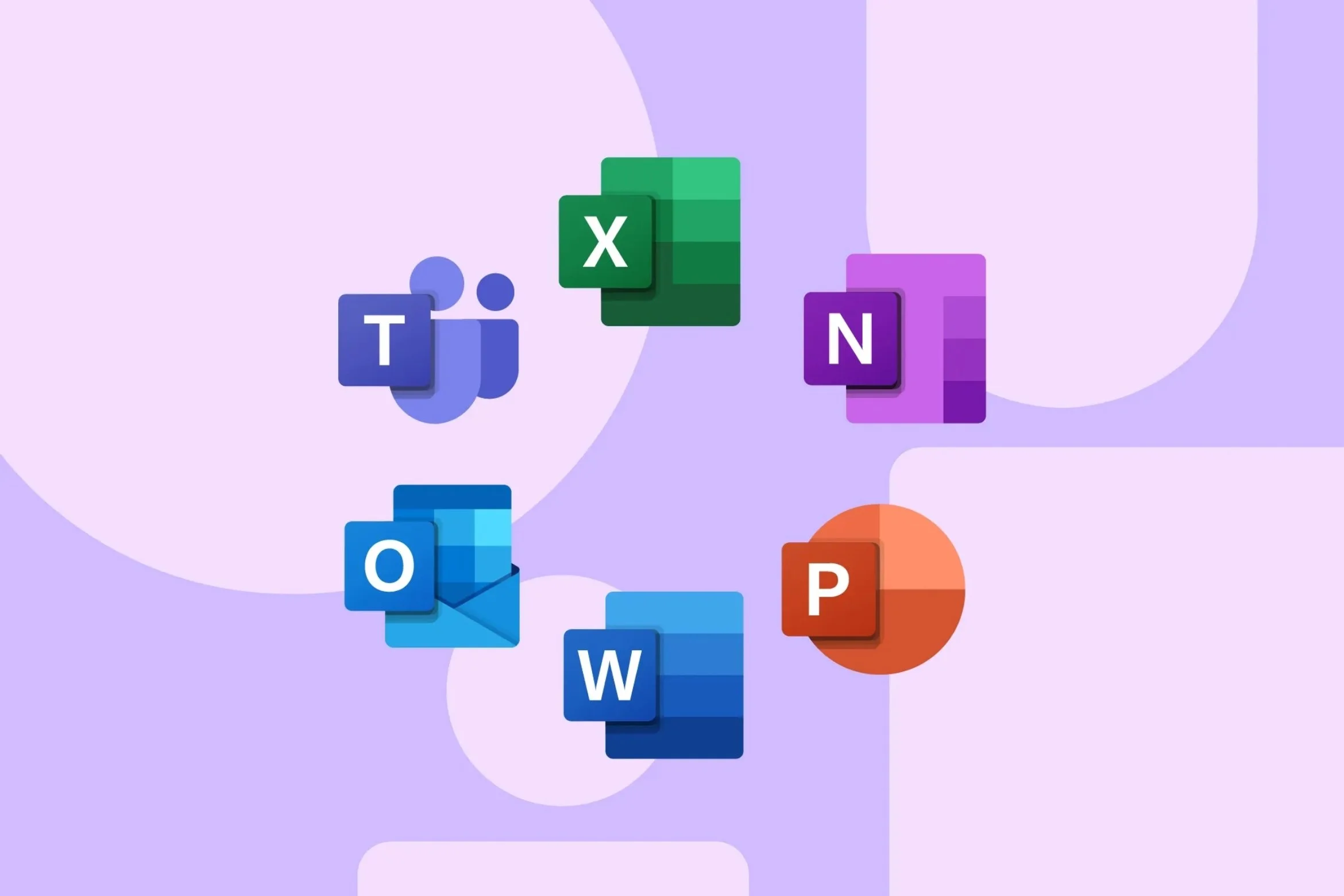
Modern organisations rely heavily on tools like Microsoft Teams, Outlook, SharePoint, and OneDrive. But without a proper licensing strategy, costs can spiral!
Do You Know? Organisations overspend on cloud services by up to 30% due to poor licence management. For non-profits, this inefficiency directly impacts funding and operational reach.
Microsoft recognises that charities should spend their funding on their core mission, not on software overheads. They provide grants to eligible non-profit organisations, allowing them to access M365 at no cost or at a reduced cost. You can explore these grants:
- Check for Non-Profit Eligibility: Visit Microsoft Nonprofits, and verify if your organisation meets the eligibility requirements for non-profit grants.
- Available Grant Programs: Explore the different grant programs offered by Microsoft, such as the Microsoft 365 Business Basic (Grant), Microsoft 365 Business Premium (Discounted), Office 365 E1 (Discounted), Microsoft 365 E3 and E5 (Discounted), and Microsoft 365 F1/F3 (Frontline Worker Grants/Discounts).
- Grant Benefits: Understand the specific benefits and features included in each grant program to determine which one best suits your organisational needs.
Eligibility Criteria for Microsoft Non-Profit Grants
Microsoft’s generosity is vast, but it is heavily regulated to ensure the grants reach genuine charitable entities. To qualify for non-profit Microsoft Pricing Office 365, your organisation must meet specific criteria.
Who Qualifies?
- Organisations registered with the relevant charity commission or regulatory body in their country (e.g., the Charity Commission for England and Wales).
- Organisations operating on a not-for-profit basis with a mission to benefit the local community (e.g., providing relief to the poor, advancing education, or preserving the environment).
- Organisations that possess a strict anti-discrimination policy.
Who Does Not Qualify?
- Governmental organisations or agencies.
- Healthcare organisations integrated into national health systems (though independent charitable research arms may qualify).
- Educational institutions like schools and universities (these fall under Microsoft’s separate Education pricing tier).
- Professional, commerce, and trade associations.
Step-by-Step Guide to Applying for Non-Profit Pricing
Navigating the application process can feel daunting, but following these steps will ensure a smooth transition:
Step 1: Prepare Your Documentation
Before starting the application, gather the legal identifier (such as your charity registration number), physical address, and documentation of your organisation to prove your tax-exempt or charitable status.
Step 2: Apply via the Microsoft Non-Profit Hub
Visit the official Microsoft Non-Profits Portal! You will be prompted to create an account. Fill out the application form, providing accurate and detailed information about your organisation, its mission, and how M365 will support your work.
Step 3: Access Your Grants and Licences
Once approved, you will receive an email granting you access to the Microsoft 365 Admin Centre. From here, you can view the specific non-profit Microsoft Pricing Office 365 options available to your tenant.
Step 4: Assign Licences and Migrate
This is where the real work begins. You must purchase the discounted licences, assign them to your users, and begin migrating your emails, files, and domains from your old system to the Microsoft 365 environment.
Partnering with Fortray as a Microsoft Authorised Reseller
Beyond securing initial grants, non-profit organisations can unlock significantly greater value by partnering with Microsoft Authorised Resellers. Here is how Fortray can help:
- Expert Application Guidance: Fortray provides expert guidance throughout the entire application and tenant setup process. We understand the unique operational challenges charities face and ensure a seamless, compliant, and efficient experience from day one.
- Strategic Licensing Support: Fortray assists your organisation in selecting the exact Microsoft 365 licences tailored to your specific needs, whether for full-time staff or part-time volunteers. By aligning your operational goals with your financial constraints, we help you optimise your licence allocation and eliminate wasteful spending.
- Proactive Ongoing Support: Through our comprehensive MS 365 Management & Licensing service, Fortray delivers continuous, proactive support. From managing automated licence renewals and user onboarding to executing strategic system upgrades and security configurations, we provide the personalised assistance required to keep your environment secure.
Being a trusted Managed Service Provider (MSP), Fortray helps organisations define the exact mix of licences you need to optimise your budget. Our experts handle complex backend migration, ensuring zero data loss and minimal disruption to your staff. Furthermore, we will actively manage your cloud environment going forward, configuring advanced security settings to keep your donor data safe from cyber threats.
Common Challenges (and How to Overcome Them)
Unlocking the pricing could be easy for you, but deploying the system rarely is! Non-profits often encounter the following hurdles:
- Over-Licensing: Charities frequently purchase the wrong mix of licences, assigning premium paid tiers to volunteers who only need the free web-based apps. This completely negates the purpose of the cost-saving exercise.
- Complex Migrations: Moving years of historical emails and messy shared drive folders into SharePoint and Exchange without losing data requires deep technical expertise.
- Security Misconfigurations: Simply buying Business Premium does not ensure security. The security protocols, mobile device management (MDM) policies, and multi-factor authentication (MFA) must be manually configured by an expert.
Conclusion
By utilising non-profit Microsoft Pricing Office 365, your charity can access premium communication, collaboration, and security tools at a fraction of the commercial cost. Follow the steps outlined above to verify your eligibility and remember that you do not have to undertake the technical journey alone. With the right IT management partner, your transition to the cloud can be smooth, secure, and highly cost-effective.
If you’re unsure whether you’re overpaying for Microsoft 365, it’s time to find out… Let Fortray audit your licences, reduce costs, and optimise your setup — so you only pay for what you actually use!
Frequently Asked Questions (FAQs)
Registered charities with a mission benefiting the local community and a strict anti-discrimination policy qualify for these exclusive Microsoft discounts and free grants.
Prepare your official charity registration documents, visit the Microsoft Non-Profits portal, create an account, and submit your detailed application for verification.
Organisations can reduce Microsoft 365 costs by regularly auditing licences, removing inactive users, choosing role-based plans, and using managed services to optimise.
Microsoft 365 pricing in the UK typically ranges from free for eligible non-profits to around £8.49 a month or £84.99 a year (Personal Plan). The Family Plan (up to six users) is £10.49 a month or £104.99 a year, which averages lower per user.
Using an MSP ensures proper licence allocation, improved security, ongoing cost optimisation, and expert support, helping organisations maximise value from their Microsoft 365 investment.